# Simple Bookmarks Manager
Simple but customizable solution for storing your Browser bookmarks.
## Installation
```sh
cargo install --git https://github.com/ndpm13/sbm-rs
```
## Usage
Configuration files for sbm-rs are stored by default in
`$XDG_CONFIG_HOME/sbm-rs/`, on first use it'll create `config.toml`,
`style.css`, `bookmarks.json`. Update `bookmarks.json` manually with your
bookmarks. I am working on a better way to manage them, but for now you'll need
a text editor.
When editing `config.toml` **make sure to use absolute paths**, relative paths
aren't supported for now.
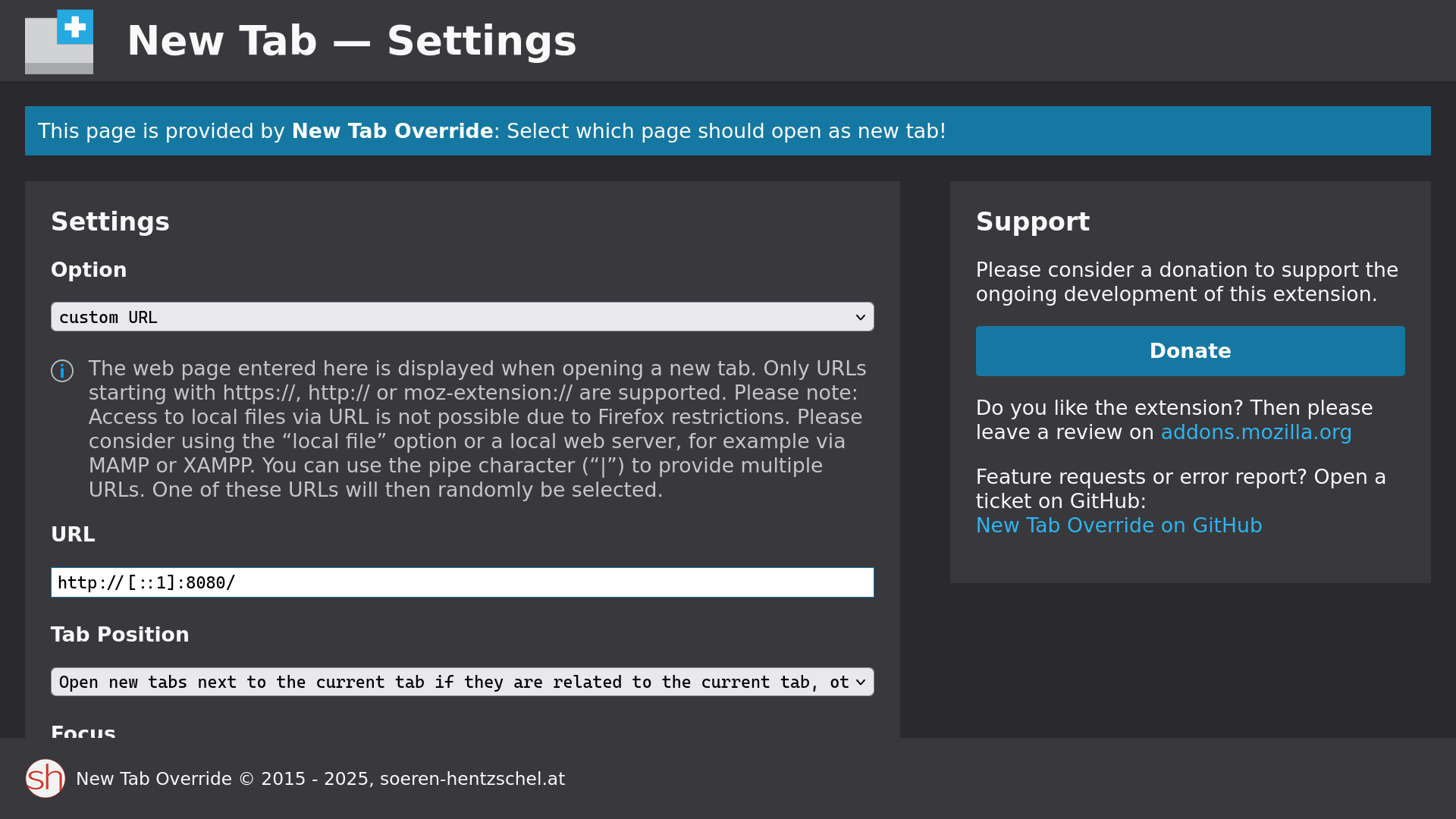
### Override Browser NTP
For Firefox based browsers there are many ways to achieve this, the easiest is
using [this extension](https://addons.mozilla.org/en-US/firefox/addon/new-tab-override/).
Chromium used to have a flag for this (`--custom-ntp`). However, as I'm writing
this I can't find it in Brave anymore, nor in stock Chromium. So if you're not
using an old version of Chromium by chance, you'll have to use an extension like
[this](https://chromewebstore.google.com/detail/icpgjfneehieebagbmdbhnlpiopdcmna?utm_source=item-share-cb).
## Themes
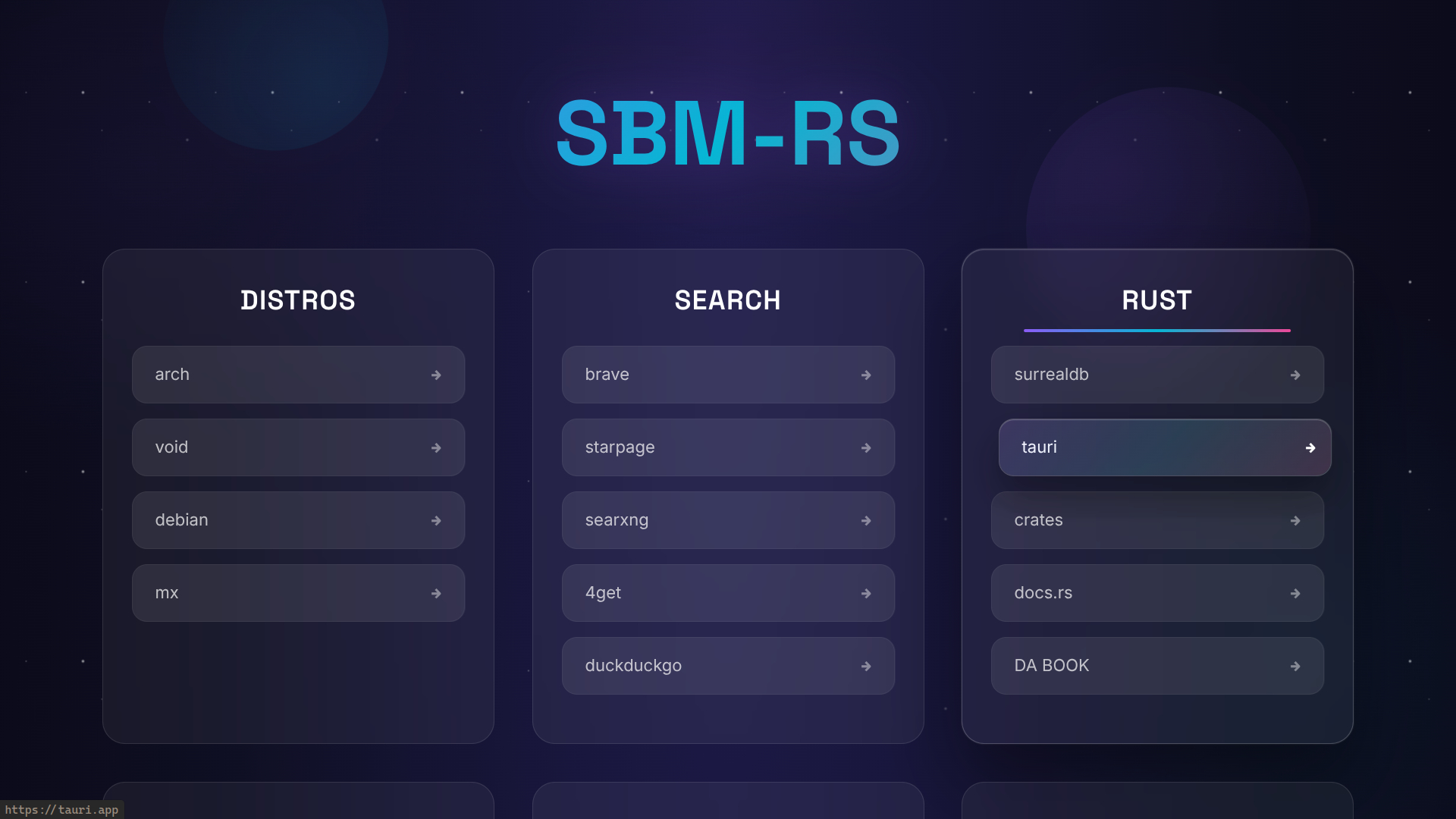
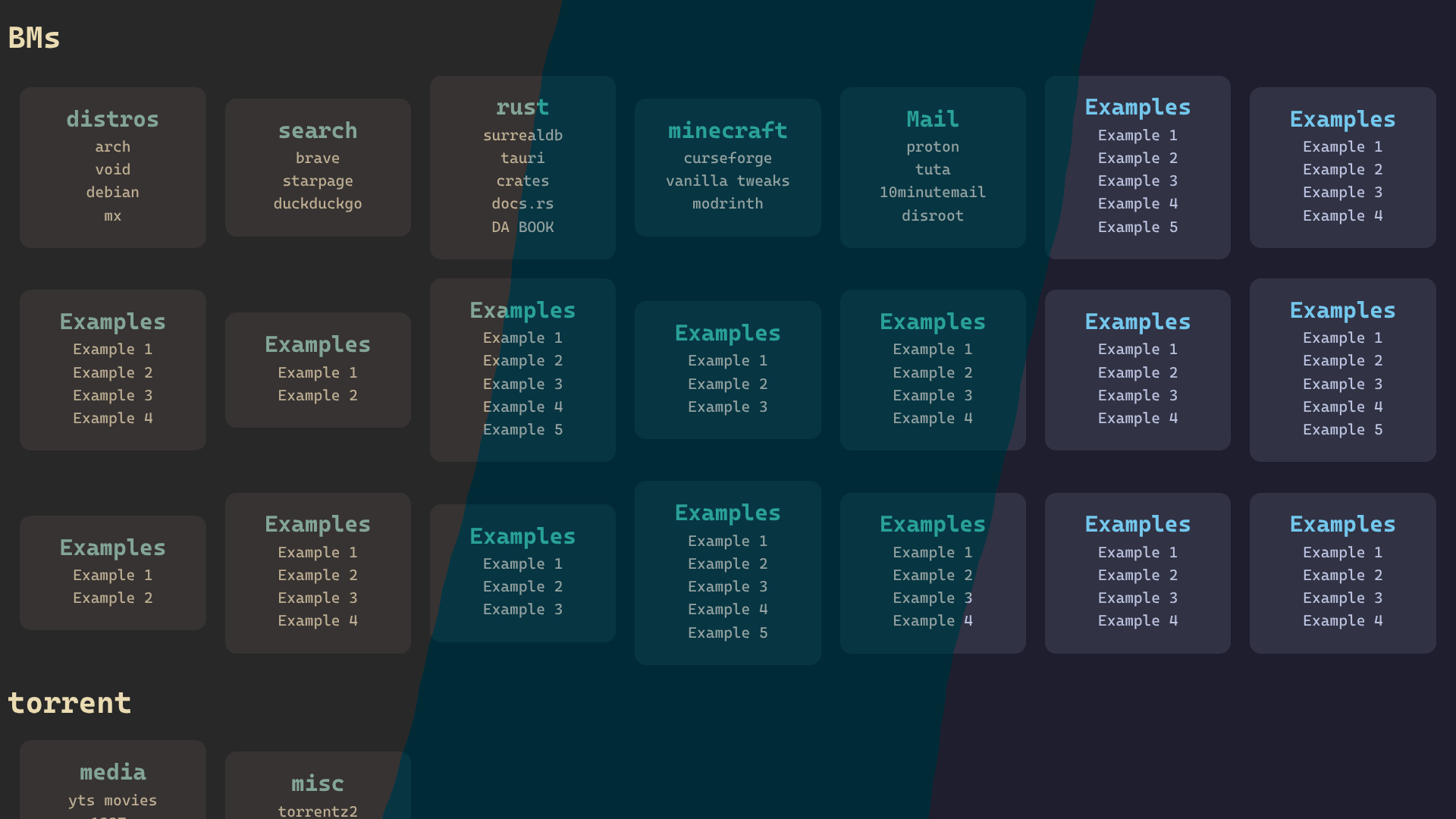
By default the active theme will be `simple-gruvbox`. But you can easily use one
of the other themes in `examples/`. For example, here is how to use the `cosmic`
theme:
- First download the theme to sbm-rs home directory
```sh
wget "https://github.com/ndpm13/sbm-rs/raw/refs/heads/main/examples/cosmic.css" -O ~/.config/sbm-rs/cosmic.css
```
- Then update `~/.config/sbm-rs/config.toml`
```toml
# Remember to use the absulote path!
style_file = "/home//.config/sbm-rs/cosmic.css"
```
## To-Do List
- [ ] CLI for managing bookmarks
- [ ] Container image
- [ ] Browser extension